|
|
FS276 hall sensor from old PC fan |
x 1 | |
|
|
Resistor 1k ohm |
x 1 | |
|
|
LEDGeneric
|
x 2 | |
|
|
9V battery |
x 1 | |
|
|
switch |
x 1 |

|
Soldering Iron Kit |
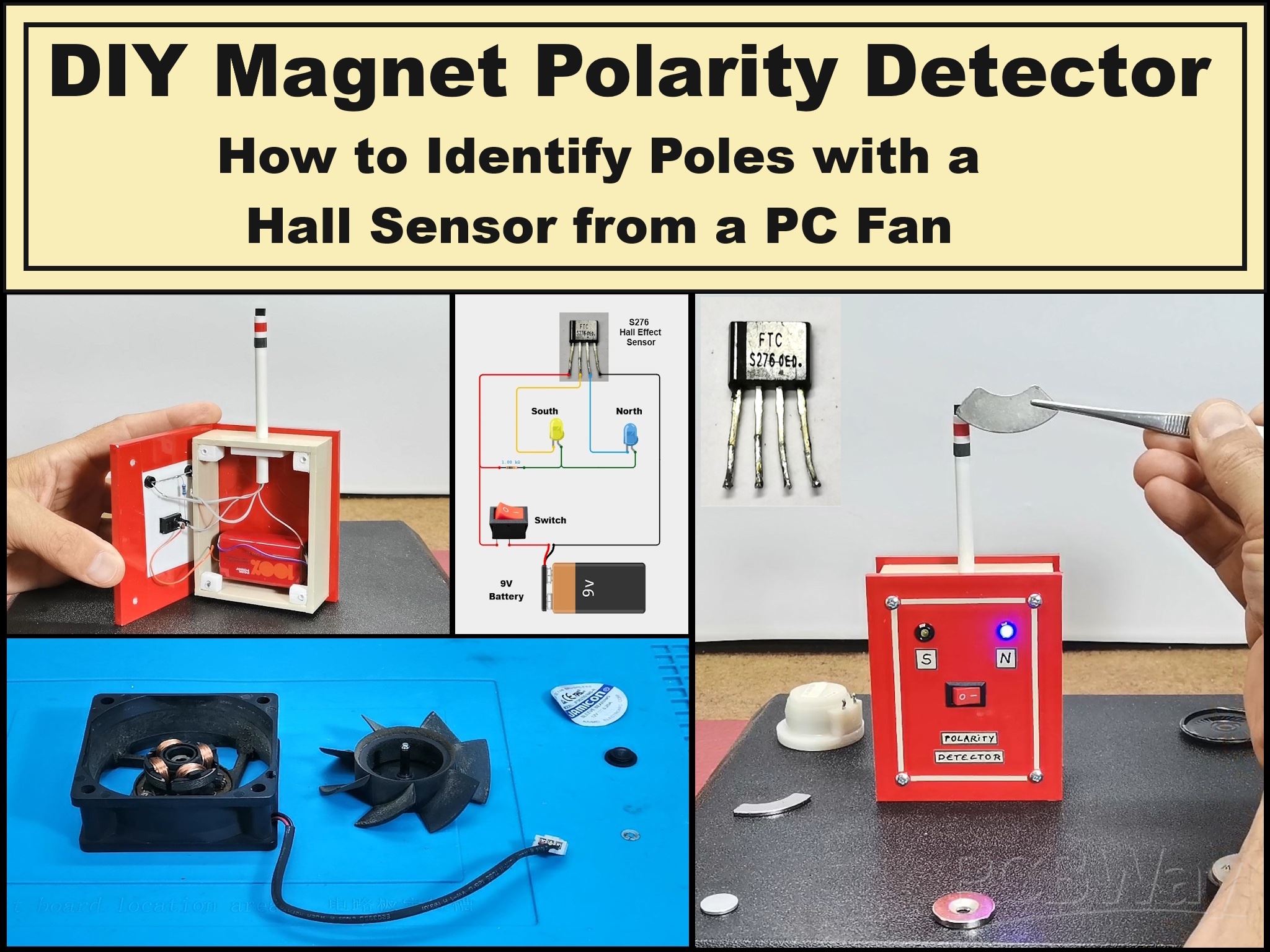
DIY Magnet Polarity Detector - How to Identify Poles with a Hall Sensor from a PC Fan
Recently, while working on a project, I needed to determine the polarity of several permanent magnets of different shapes. At first glance, it seemed simple, bringing the magnets closer together to see if they attract or repel, but I still couldn't determine it precisely this way. So I came up with the idea of making a very simple electronic device that would display the poles of the magnets in a very elegant way with two LEDs with different colors for each pole.
It can immediately be assumed that for this purpose we need a Hall effect sensor with appropriate properties, which is not a standard component that would be available even in a well-stocked electronics store. There is no DIYer who will not find at least one brushless PC cooler fan in their lab, functional or non-functional. In almost more than 90 percent of these fans you will find one of the two most commonly used Hall effect sensors, which are the FS276 or FS277.
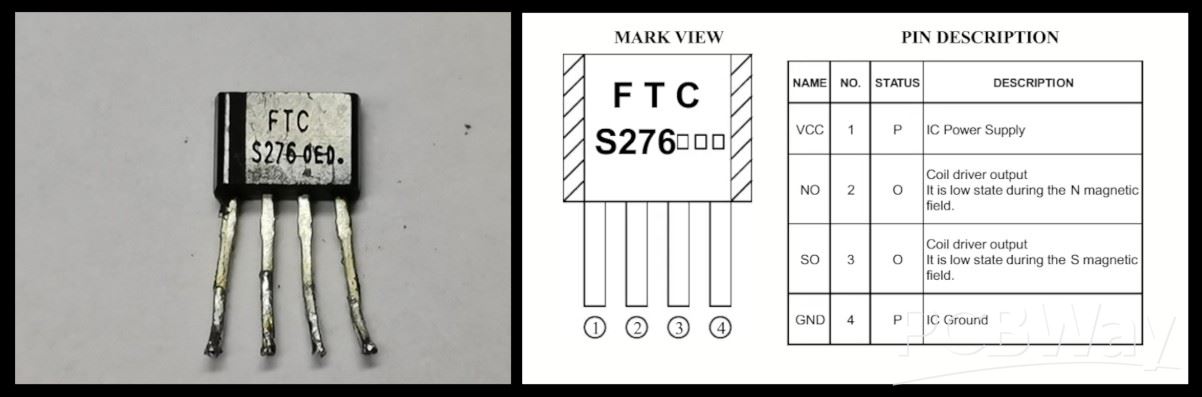
First I will explain the way to remove the sensor, which is basically the same for all types of brushless PC fans. In fact, I am specifically using a fan from an old UPS unit. First we need to remove the sticker with informations on the back, and then under it there is a rubber cover that covers the axis of the rotor.
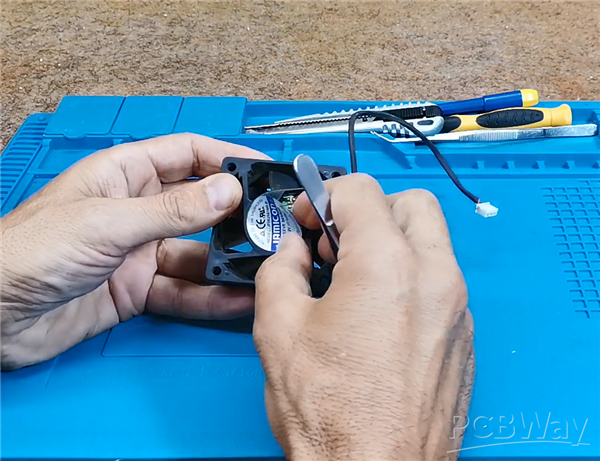
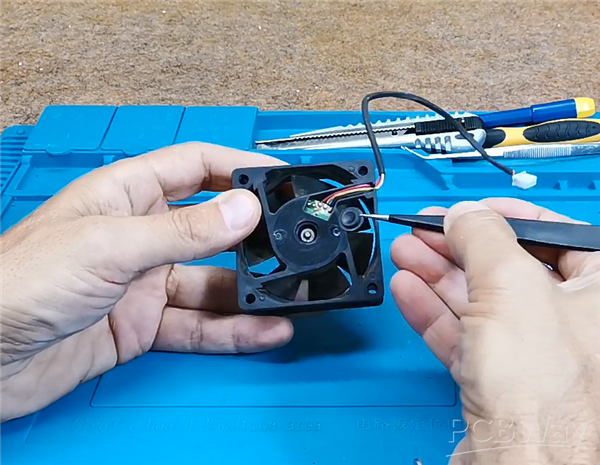
Otherwise, by default, this hole is used for lubrication if the fan is stuck, and we want to fix it. Next, we need to use a small screwdriver or tweezers to remove the plastic fuse, after which the rotor easily comes out of the bearing.
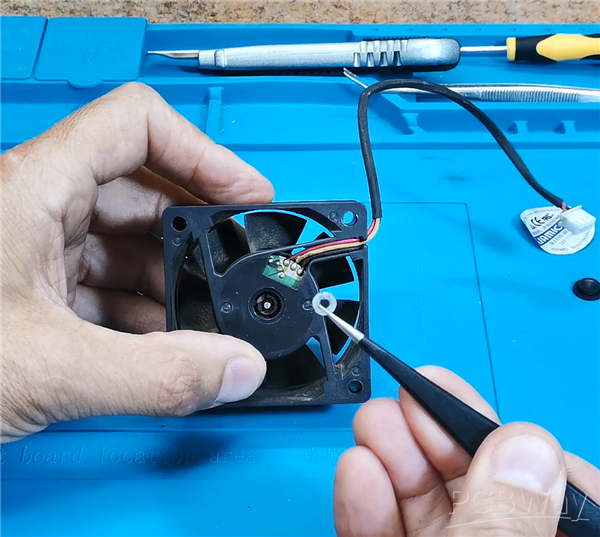
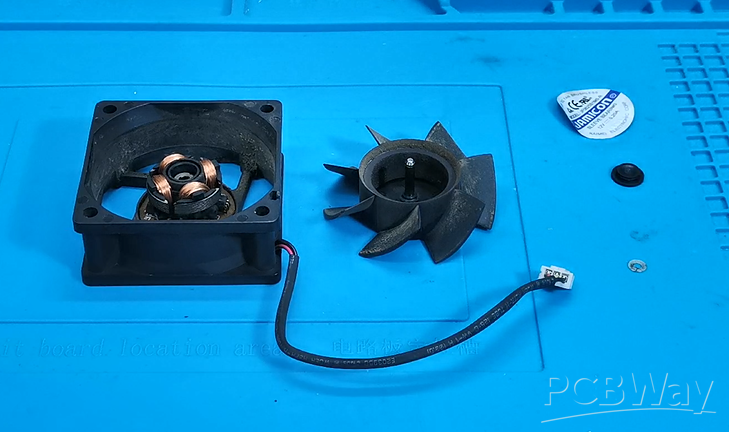
Now we need to remove the stator, under which we can see a round PCB on which the Hall sensor is soldered.
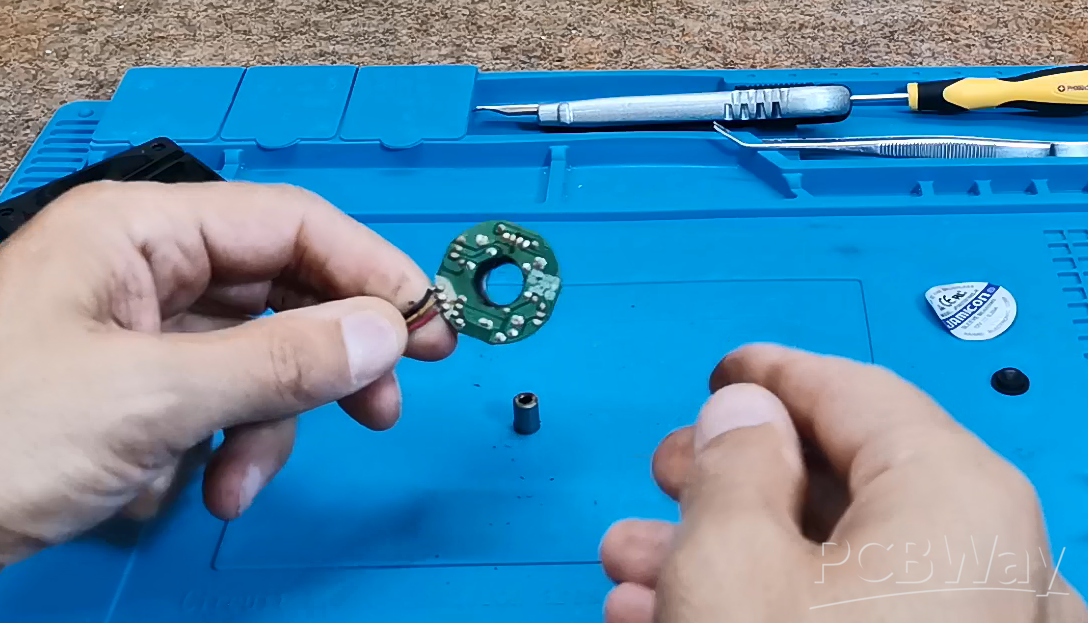
This circular PCB contains the sensor we need for this project. It looks like a small transistor but has 4 pins. Then we will simply unsolder the sensor and use it to make our device.
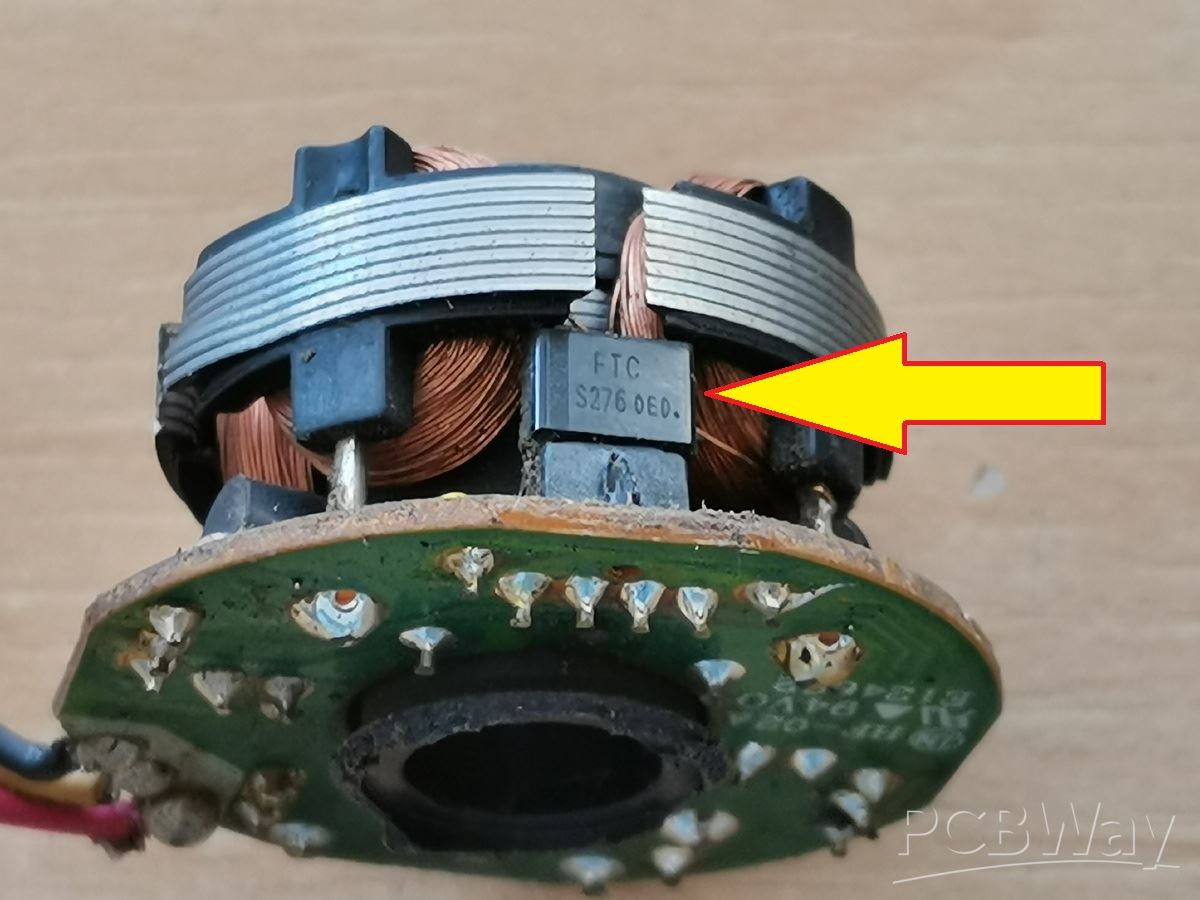
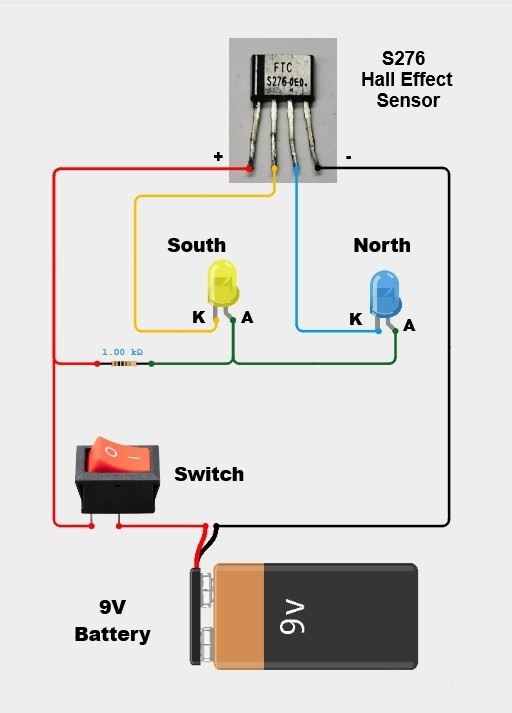
As I mentioned earlier, the device is extremely simple and consists of only a few components:
- FC276 Hall Effect Sensor
- 2 Leds with different colors
- Resistor 1kohm
- Ad 9V Battery with switch
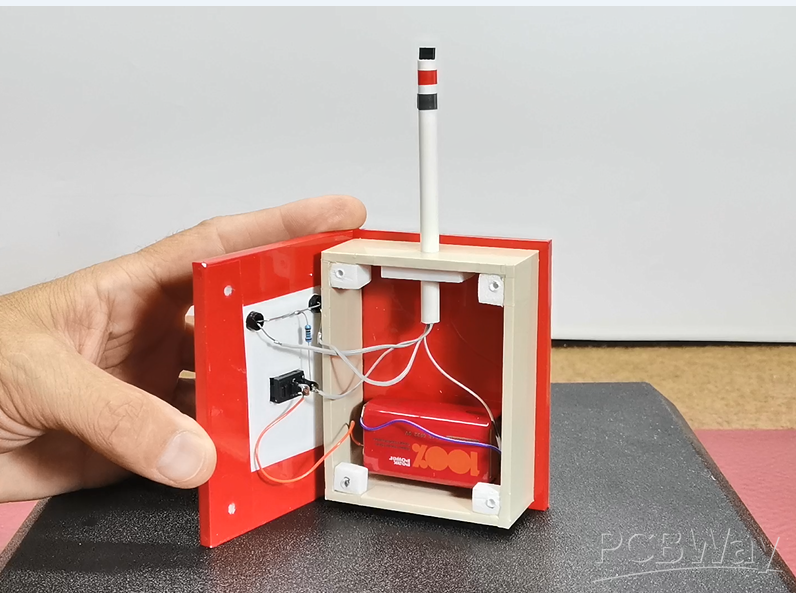
As you can see, this extremely simple device does not require a PCB, but the elements are directly interconnected according to the given Schematic.
Now let's see how the device works in real conditions. Immediately after switching on, the blue (North) LED lights up, which actually represents only a sign that the device is turned on and the detector will start functioning the moment we bring the magnet closer to the sensor. I could have easily solved this, relatively speaking, initial drawback with an Arduino microcontroller and simple code, and even added some additional options, but the basic requirement when making the device was that it be as simple, and easy to make as possible.
In the following, I will demonstrate how you can easily determine the poles of magnets with different shapes.
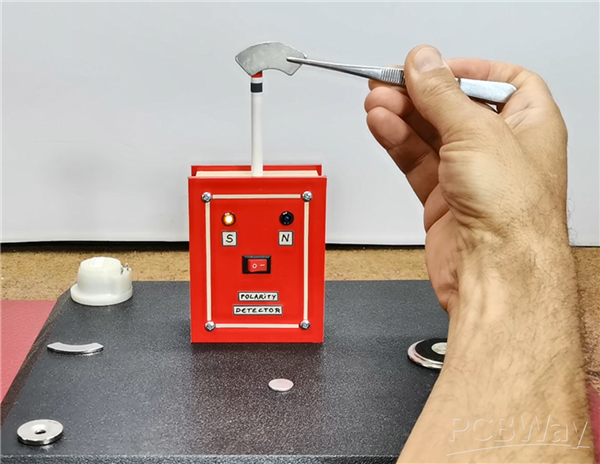
Next I will present you few special cases where we can detect the arrangement of the poles of the magnet only with such an instrument and no other way.
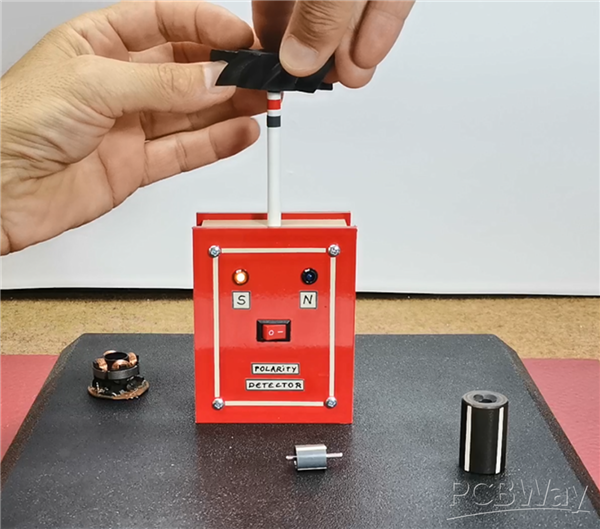
Torus-shaped magnet is used in brushless motors, specifically in this case for a fan. If we pass the sensor along the entire shape of the magnet, we will notice that the polarity changes every 90 degrees. Here's what the pole arrangement looks like for this type of magnet:
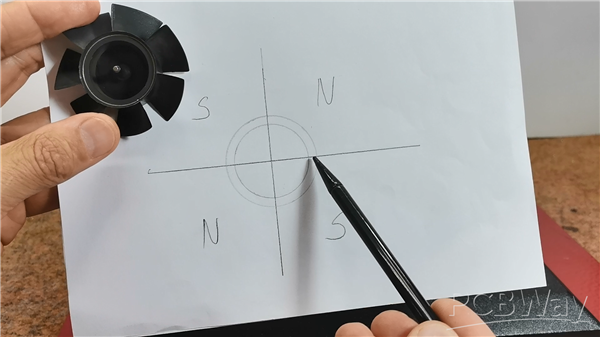
If we now look at the stator of this motor, we will see that there are 4 coils on it, also arranged at an angle of 90 degrees. So the motor works in such a way that these coils are activated one by one and create a rotating magnetic field that moves the rotor.
I have also a cylindrical magnet taken from a small brushless motor, and if we rotate it horizontally past the sensor, we will see that the poles alternate. And Another bigger cylindrical magnet rotor.
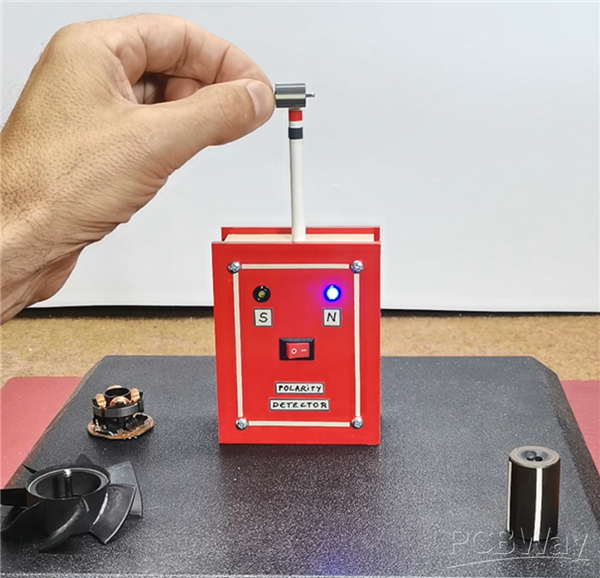
And finally a short conclusion. This simple, self-made device effectively identifies magnet polarities, even for complex shapes, proving that sometimes the best tools are the ones you build yourself from readily available parts.
DIY Magnet Polarity Detector - How to Identify Poles with a Hall Sensor from a PC Fan








Raspberry Pi 5 7 Inch Touch Screen IPS 1024x600 HD LCD HDMI-compatible Display for RPI 4B 3B+ OPI 5 AIDA64 PC Secondary Screen(Without Speaker)
BUY NOW


- Comments(0)
- Likes(0)
More by Mirko Pavleski
-
 Arduino 3D Printed self Balancing Cube
Self-balancing devices are electronic devices that use sensors and motors to keep themselves balanc...
Arduino 3D Printed self Balancing Cube
Self-balancing devices are electronic devices that use sensors and motors to keep themselves balanc...
-
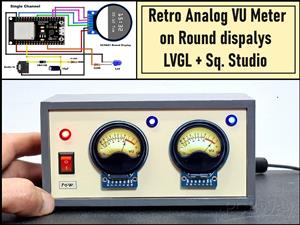 Retro Analog VU Meter on Round dispalys (ESP32 and GC9A01)
Recently, in one of my previous videos I presented you a Retro VU Meter project on round displays ...
Retro Analog VU Meter on Round dispalys (ESP32 and GC9A01)
Recently, in one of my previous videos I presented you a Retro VU Meter project on round displays ...
-
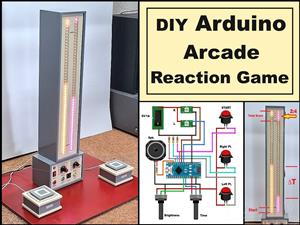 Ultimate 2-Player Reaction Timer with WS2812B LED Strips & Arduino
Arcade reaction game is a genre of play designed to test a player's physical response time and hand...
Ultimate 2-Player Reaction Timer with WS2812B LED Strips & Arduino
Arcade reaction game is a genre of play designed to test a player's physical response time and hand...
-
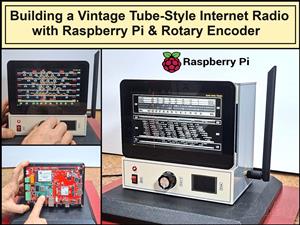 Building a Vintage Tube-Style Internet Radio with Raspberry Pi & Rotary Encoder
Internet radio (also known as web radio or net radio) is a digital audio service transmitted via th...
Building a Vintage Tube-Style Internet Radio with Raspberry Pi & Rotary Encoder
Internet radio (also known as web radio or net radio) is a digital audio service transmitted via th...
-
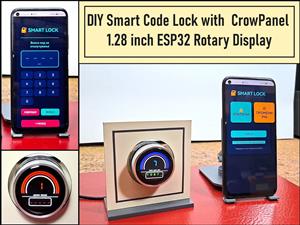 DIY Smart Code Lock with CrowPanel 1.28 ESP32 Rotary Display
A code lock is a keyless security device—either mechanical or electronic—that restricts access to d...
DIY Smart Code Lock with CrowPanel 1.28 ESP32 Rotary Display
A code lock is a keyless security device—either mechanical or electronic—that restricts access to d...
-
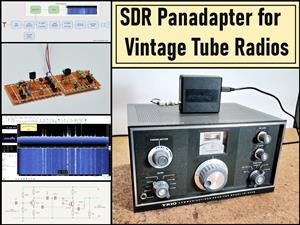 SDR Panadapter for Vintage Tube Radios – Step-by-Step Tutorial
A radio panadapter (or panoramic adapter) is a device or software tool used in amateur radio and ot...
SDR Panadapter for Vintage Tube Radios – Step-by-Step Tutorial
A radio panadapter (or panoramic adapter) is a device or software tool used in amateur radio and ot...
-
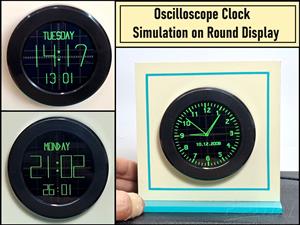 Oscilloscope Clock Simulation on a Round ESP32 Display
An oscilloscope clock is a circuit that turns an old analog oscilloscope into a stylish, retro-them...
Oscilloscope Clock Simulation on a Round ESP32 Display
An oscilloscope clock is a circuit that turns an old analog oscilloscope into a stylish, retro-them...
-
 DIY Simple GU32 Tube Stereo Amplifier (2x3W on 12VDC)
Vacuum tube amplifiers are often favored for their smooth harmonic distortion, especially in the low...
DIY Simple GU32 Tube Stereo Amplifier (2x3W on 12VDC)
Vacuum tube amplifiers are often favored for their smooth harmonic distortion, especially in the low...
-
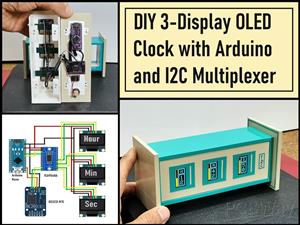 DIY 3-Display OLED Clock with Arduino and I2C Multiplexer
In this video I want to present you another unusual clock to add to my large collection of such DIY...
DIY 3-Display OLED Clock with Arduino and I2C Multiplexer
In this video I want to present you another unusual clock to add to my large collection of such DIY...
-
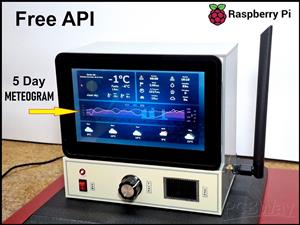 Build a 5-Day forecast Raspberry Pi Weather Dashboard (Step-by-Step)
Recently in one of my previous videos,I introduced you to the 7 inch Elecrow Pi Terminal and how to...
Build a 5-Day forecast Raspberry Pi Weather Dashboard (Step-by-Step)
Recently in one of my previous videos,I introduced you to the 7 inch Elecrow Pi Terminal and how to...
-
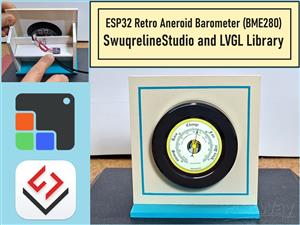 ESP32 Aneroid Barometer using Squareline Studio and LVGL on CrowPanel Round display
A barometer is a scientific instrument used to measure atmospheric pressure. Rising Pressure genera...
ESP32 Aneroid Barometer using Squareline Studio and LVGL on CrowPanel Round display
A barometer is a scientific instrument used to measure atmospheric pressure. Rising Pressure genera...
-
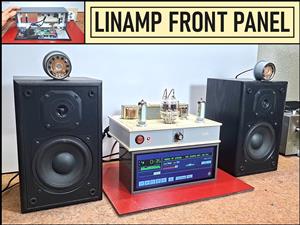 LINAMP Project – Winamp-Style Audio Front Panel on Raspberry Pi 5
Winamp is one of the most iconic and historically significant digital media players ever created. I...
LINAMP Project – Winamp-Style Audio Front Panel on Raspberry Pi 5
Winamp is one of the most iconic and historically significant digital media players ever created. I...
-
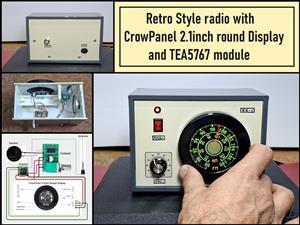 Retro Style radio with CrowPanel 2.1inch round Display (TEA5767)
Some time ago I presented you a clock project with CrowPanel 2.1inch-HMI ESP32 Rotary Display 480*4...
Retro Style radio with CrowPanel 2.1inch round Display (TEA5767)
Some time ago I presented you a clock project with CrowPanel 2.1inch-HMI ESP32 Rotary Display 480*4...
-
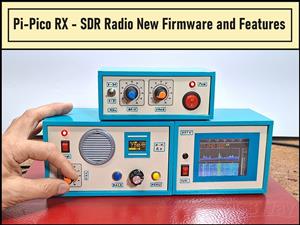 Pi-Pico RX - SDR Radio with New Firmware and Features
A few months ago I presented you a wonderful SDR radio project by DawsonJon 101 Things. In short, i...
Pi-Pico RX - SDR Radio with New Firmware and Features
A few months ago I presented you a wonderful SDR radio project by DawsonJon 101 Things. In short, i...
-
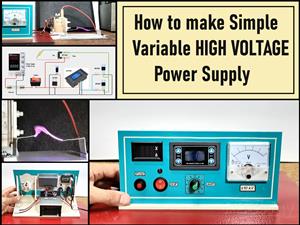 How to make simple Variable HIGH VOLTAGE Power Supply
High Voltage Power Supply is usually understood as a device that is capable of generating a voltage...
How to make simple Variable HIGH VOLTAGE Power Supply
High Voltage Power Supply is usually understood as a device that is capable of generating a voltage...
-
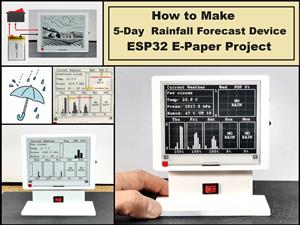 DIY 5-Day Rainfall Forecast Device - ESP32 E-Paper Project
In several of my previous projects I have presented ways to make weather stations, but this time I ...
DIY 5-Day Rainfall Forecast Device - ESP32 E-Paper Project
In several of my previous projects I have presented ways to make weather stations, but this time I ...
-
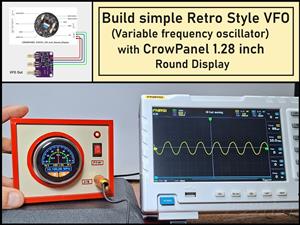 Build simple Retro Style VFO (Variable frequency oscillator) with Crowoanel 1.28 inch Round Display
Today I received a shipment with a Small round LCD display from Elecrow. The device is packed in tw...
Build simple Retro Style VFO (Variable frequency oscillator) with Crowoanel 1.28 inch Round Display
Today I received a shipment with a Small round LCD display from Elecrow. The device is packed in tw...
-
 Human vs Robot – Rock Paper Scissors with MyCobot 280 M5Stack
Today I received a package containing the few Elephant Robotics products. The shipment is well pack...
Human vs Robot – Rock Paper Scissors with MyCobot 280 M5Stack
Today I received a package containing the few Elephant Robotics products. The shipment is well pack...
-
-
ARPS-2 – Arduino-Compatible Robot Project Shield for Arduino UNO
1304 0 4 -
A Compact Charging Breakout Board For Waveshare ESP32-C3
1825 3 7 -
AI-driven LoRa & LLM-enabled Kiosk & Food Delivery System
1813 2 0 -
-
-
-
ESP32-C3 BLE Keyboard - Battery Powered with USB-C Charging
1990 0 1 -