To complete your payment via Payoneer, please follow the instructions below.
With this method, PCBWay initiates an official payment request through Payoneer, ensuring that your payment is correctly linked to your order.
Please send the following information to our sales or customer service team:
In addition, as required by Payoneer, please provide your payer details:
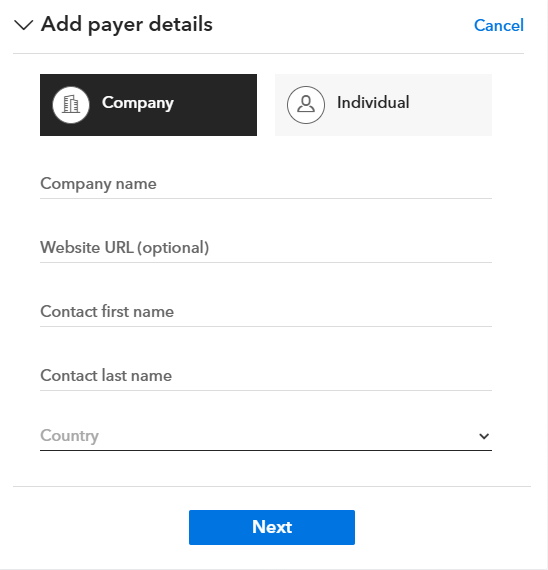
If paying as a company (recommended):
If paying as an individual:
Based on the information you provide, PCBWay will:
You will receive an official payment request email sent directly from Payoneer to your account email address.
Our customer service team will also send you the payment request link by email for convenience
You may complete the payment using either option below:
Before completing the payment, please confirm that:
Once confirmed, please follow the on-screen instructions to complete the payment.
This method is available, but not recommended for order-based payments.
PCBWay generates a Payoneer payment link without any payer’s information.
You just open the link and complete the payment by following the on-screen instructions.
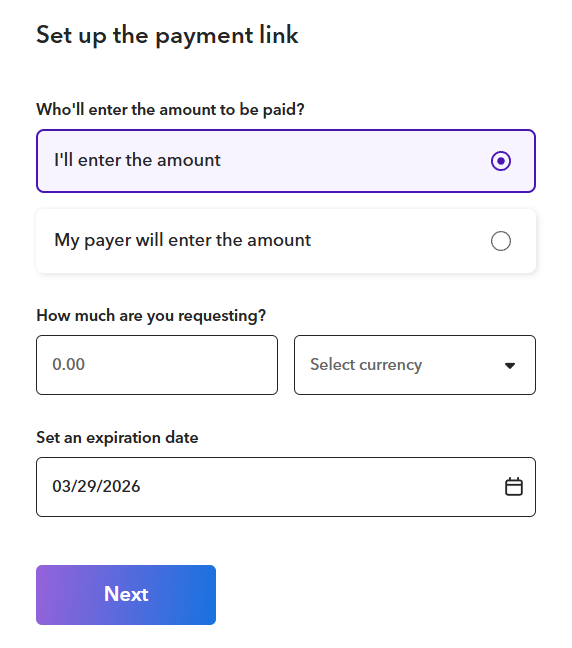
This method may result in:
For accurate and efficient order processing, we strongly recommend using Payment Request whenever possible.
All the payment link will be sent officially by Payoneer or our service team with the payment receiver's information:
If you have any questions or need assistance, please contact our customer service team.
Thank you for your cooperation.



