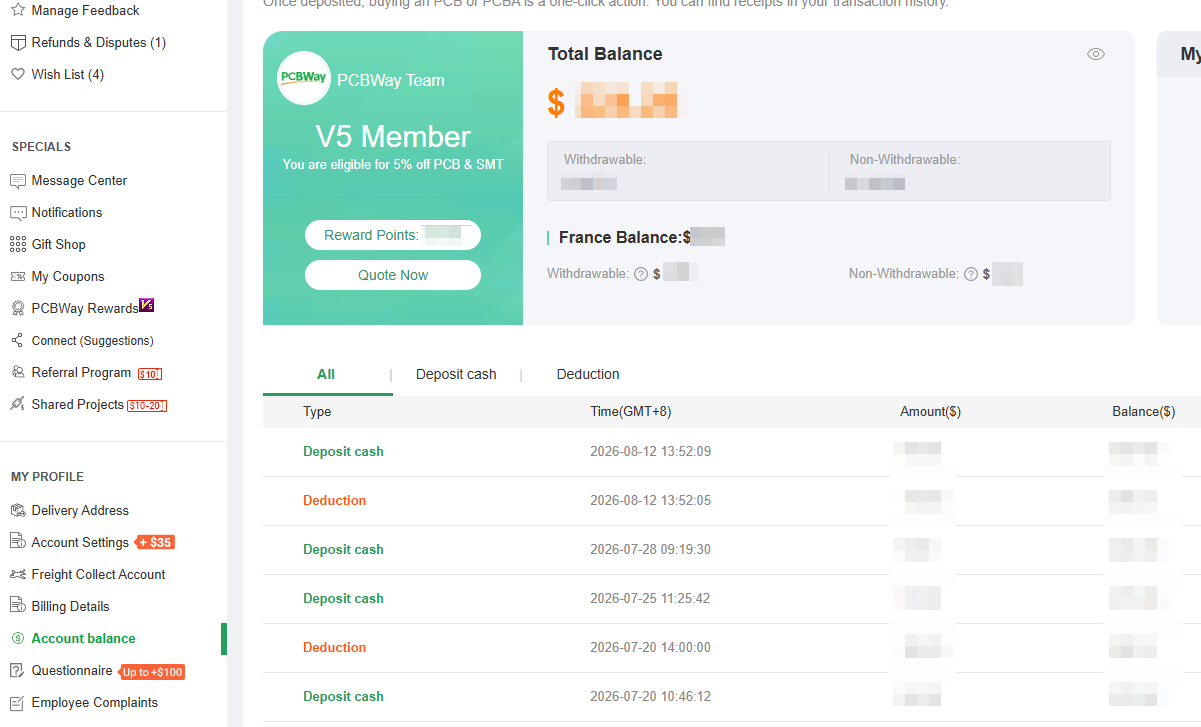
Once you log into your PCBWay account, you can click the Account Balance section to view detailed information about your account balance. This page displays your total balance, withdrawable balance and non-withdrawable balance, with a separate breakdown for France balance.
The France balance is therefore listed independently for clarity. Funds paid to the France entity can only be refunded to the same France entity and cannot be transferred to balances under other entities. You can check both the withdrawable and non-withdrawable amounts within the France balance.
1.Q: Can I transfer funds from my general balance to France Balance?
A: No. Funds under different legal entities cannot be transferred mutually due to financial compliance requirements.
2.Q: If I cancel an order paid by France Balance, where will the money go?
A: The funds will be returned to the withdrawable part of your France Balance only.



