Before starting a 3D print, it's worth checking your model's dimensions, structure, and printability. But what if you could do all of this directly on your phone?
Meet Extrude, a free 3D model viewer app for iPhone, iPad, and Android, designed to help makers inspect their 3D models anytime, anywhere.

Extrude supports a wide range of 3D file formats, including STL, 3MF, OBJ, PLY, GLB, and G-code. You can open files directly on your phone, even offline, without creating an account or uploading anything. Your files stay on your device.
Extrude also includes several tools to help you prepare your models for printing:
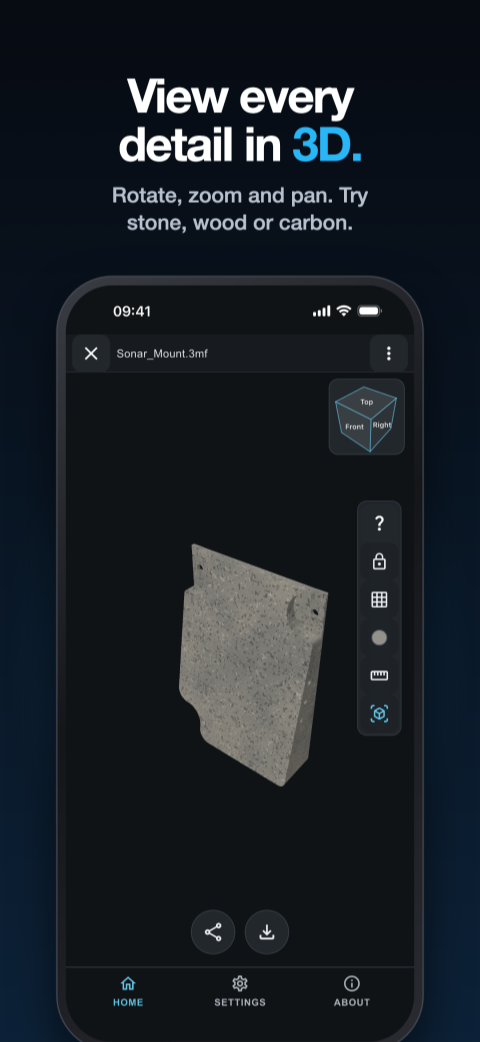
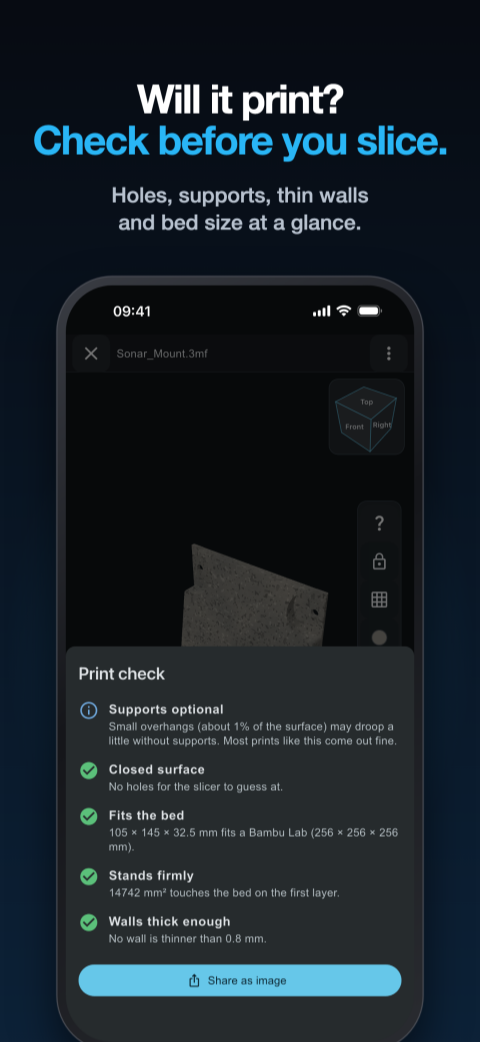
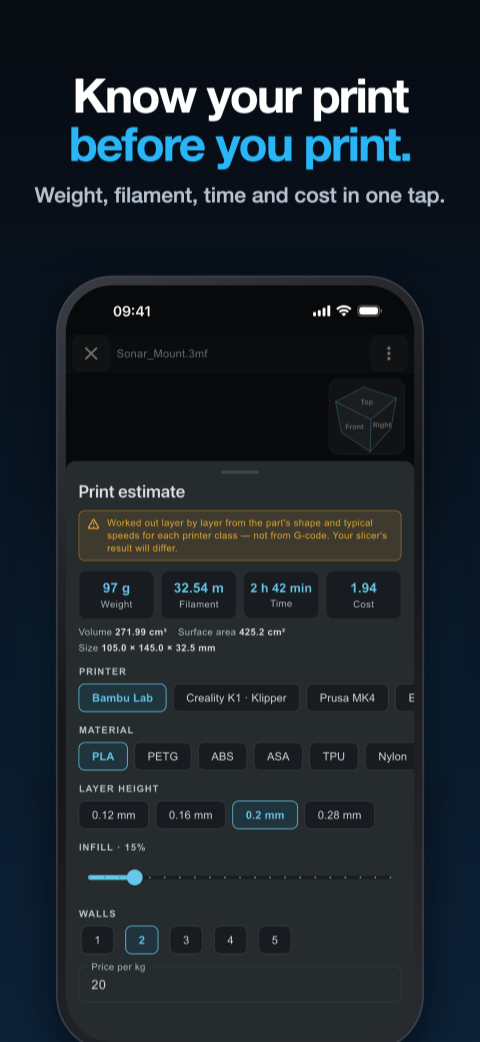
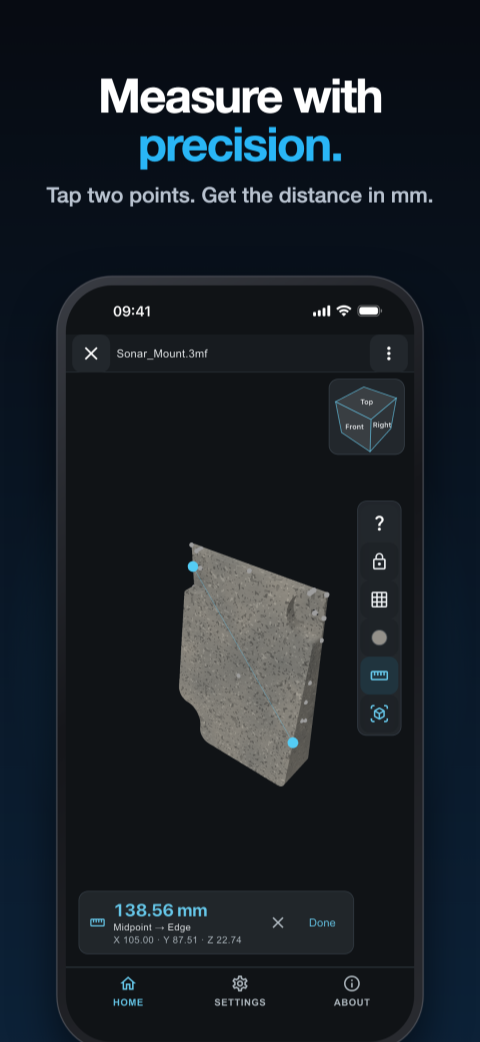
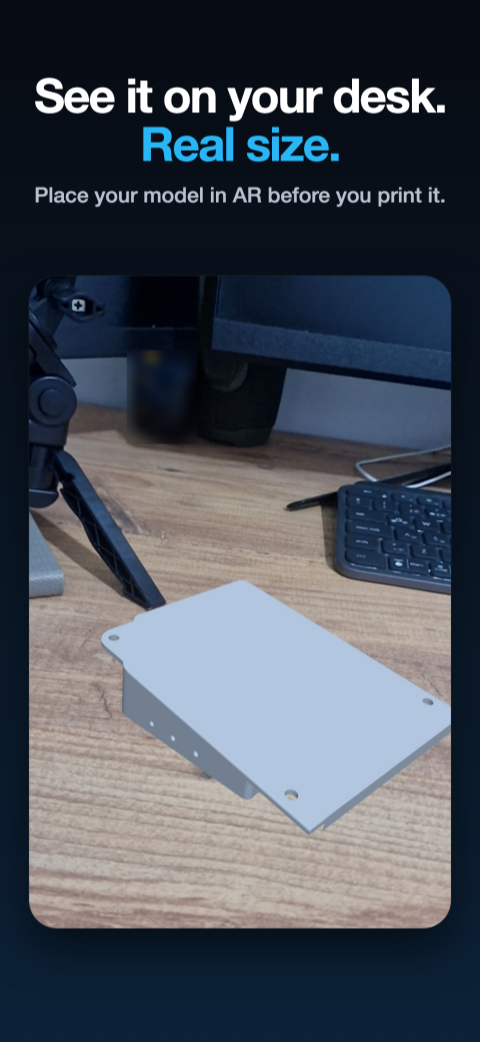
Available in 27 languages, Extrude is continuing to grow its user community among makers worldwide.
Not every project can be completed with a desktop 3D printer. Sometimes you need a larger part, different materials, or more precise manufacturing. That's where PCBWay comes in!
Starting November 23, 2026, Extrude users will see a PCBWay banner directly in the 3D viewer. Through this collaboration, users can discover PCBWay's professional manufacturing services, including 3D printing and CNC machining, with over 100 material options!

Try Extrude Today!
Want to inspect your 3D models more conveniently? Give Extrude a try!
Extrude website: https://getextrude.com/
STL viewer: https://getextrude.com/stl-viewer/
Get it on Google Play: https://play.google.com/store/apps/details?id=com.sakasstudio.stlview
Download on the App Store: https://apps.apple.com/us/app/stl-viewer-3d-model-3mf/id6801906359
Learn More about How to Open STL Files on Your Phone: