



|
|
RASPBERRY PI PICORaspberry Pi
|
x 1 |

|
KiCADKicad
|
|

|
arduino IDEArduino
|
|

|
Thonny Python |
Raspberry Pi Pico Expansion Board
Hello everyone!
UPDATE!!!
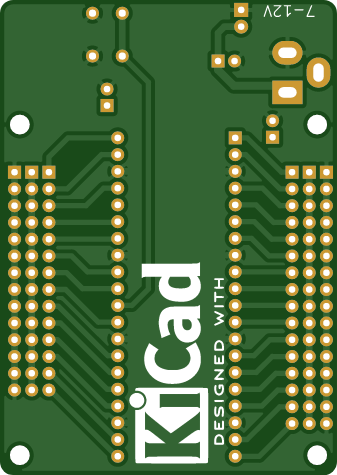
I made some changes, routing in particular, and freed up the board of a few more parts.
This is my new PCB design. I wanted to share it with you on this platform.
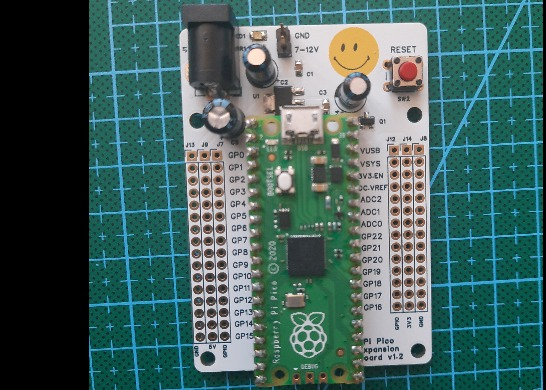
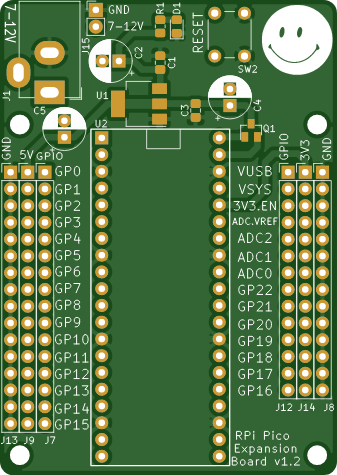
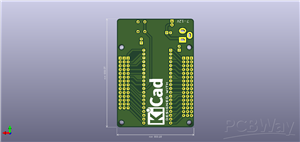
This is an expansion board compatible with Raspberry Pi Pico, practically with this board you get access to the pins on the Pico more easily, they are also multiplied, they are also labeled so you don't have to turn the board over to see what each pin means.
Through the pin strips you can access the GPIOs, the communication lines such as I2C, SPI, UART, or the 5V and 3V3 power supply lines. Follow the inscriptions on the plate, or check the diagram beforehand, it should be easy to understand.
You have the choice of mounting male headers pins or female, both variants are accepted as long as the pitch is 2.54mm.
You can connect more sensors and modules more easily, but also take into account the main power supply, 7-9V. We also have an indicator LED for the supply voltage. I have male pins between the barrel jack and the rest of the circuit, so you need a jumper for them, or you simply solder a wire between the marked pins.
You have two rails available, one 5V that comes from a voltage regulator, and the other is 3V3 that comes from the Pico itself. Do not exaggerate with these power supplies, the regulators are SMD, without heatsinks.
The board also has 3mm mounting holes, so if you want to put it in a case, I don't think you will have any big problems.
Attention!
Locate the power supply pins properly and remember that the voltage regulators of 5V and 3.3V (Pico onboard) are SMD, they are not of high power and cannot supply a whole mass of circuits.
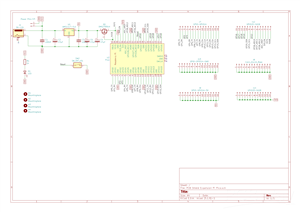
Check the electronic diagram before anything else.
I can use Raspberry Pi Pico with Thonny, I check COM port in Options, for a program that runs "LIVE" i.e. I can run Blink but it does not remain in memory on Pico when I disconnect it from the power supply.
To solve this I proceed as follows:
• hold down the BOOT SEL button on Pico and connect it to the laptop (possibly also check COM port in Thonny→Options);
• in This PC a device with a few MB of memory should appear;
• on this device I copy RPI_PICO-20250415-v1.25.0.uf2 .
To save a program on Pico, which will always run, I proceed as follows:
• connect the board to the laptop;
• in Thonny I check COM port in Options;
• press the red STOP button and my RPi Pico should appear in Files on the left with the files in memory;
• after I pressed STOP the program no longer runs, the board enters programming mode;
• this board always looks for a main.py file, so the program is saved in it;
• after saving the program I press STOP again to exit programming mode;
• if I use the expansion board I have to press the RESET button on the board to run the program.
It would be nice if you could share photos when you buy and assemble this expansion board.
Have a nice day!
Thank you!
Have fun with it!
from machine import Pin, Timer

led = Pin(25, Pin.OUT)
led_state = True

timing = Timer()

def tick(timer):
    global led, led_state
    led_state = not led_state
    led.value(led_state)

timing.init(freq=2.5, mode=Timer.PERIODIC, callback=tick)
Raspberry Pi Pico Expansion Board
Project images are for reference only. Actual production is based on the manufacturing files on the project page.
Please review the designer's notes (e.g., PCB thickness) and select the appropriate options.
PCBWay is not responsible
for issues caused by unsuitable parameter selections.
For more important ordering information, please refer to
Read More









Raspberry Pi 5 7 Inch Touch Screen IPS 1024x600 HD LCD HDMI-compatible Display for RPI 4B 3B+ OPI 5 AIDA64 PC Secondary Screen(Without Speaker)
BUY NOW


- Comments(0)
- Likes(4)
 More by cris 🙂
-
 Dynamic decoration with LEDs and more
Hello everyone!As you can see in the title, we have a circuit with LEDs, many LEDs, it's a 4x4 LEDs ...
Dynamic decoration with LEDs and more
Hello everyone!As you can see in the title, we have a circuit with LEDs, many LEDs, it's a 4x4 LEDs ...
-
 LEDs Stars
Hello everyone! I'm signing up for this competition with a small project designed to attract your a...
LEDs Stars
Hello everyone! I'm signing up for this competition with a small project designed to attract your a...
-
 Audio amplifier with LM386 (and BASS boost)
Hello everyone!Circuit descriptionThe LM386 is quite a ve...
Audio amplifier with LM386 (and BASS boost)
Audio amplifier with LM386 (and BASS boost)Hello everyone!Circuit descriptionThe LM386 is quite a ve...
-
 Audio amplifier 25W TDA2030
A fairly well-known and interesting montagePresentationThe presented audi...
Audio amplifier 25W TDA2030
Audio amplifier 25W TDA2030A fairly well-known and interesting montagePresentationThe presented audi...
-
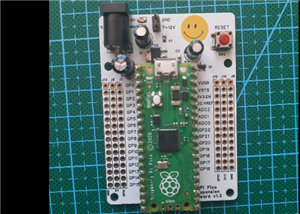 Raspberry Pi Pico Expansion Board
Hello everyone!UPDATE!!!I made some changes, routing in particular, and freed up the board of a few ...
Raspberry Pi Pico Expansion Board
Hello everyone!UPDATE!!!I made some changes, routing in particular, and freed up the board of a few ...
-
 Adjustable voltage power supply
Among the most important electronic devices in the electronics laboratory is the voltage source. Thi...
Adjustable voltage power supply
Among the most important electronic devices in the electronics laboratory is the voltage source. Thi...
-
 Digital Clock with AT89C2051
Circuit OperationShort SW2 presses cycle through displaying the current time in HH:MM and MM:SS form...
Digital Clock with AT89C2051
Circuit OperationShort SW2 presses cycle through displaying the current time in HH:MM and MM:SS form...
-
 Switch based light sensor
Hi!The circuit shown can be used to turn on the light in the garden, or some light panels / advertis...
Switch based light sensor
Hi!The circuit shown can be used to turn on the light in the garden, or some light panels / advertis...
-
 LM3909 flashing indicator
I present to you a circuit which is a little outdated, but quite pleasant for some, I saw that this ...
LM3909 flashing indicator
I present to you a circuit which is a little outdated, but quite pleasant for some, I saw that this ...
-
 Matrix panel 8x32 3mm dot
Hi makers!### **8x32 Common Anode LED Matrix Panel ****Overview**This schematic designs a driver boa...
Matrix panel 8x32 3mm dot
Hi makers!### **8x32 Common Anode LED Matrix Panel ****Overview**This schematic designs a driver boa...
-
 LM1084 Regulator
Hello makers! This schematic represents an Adjustable Linear Voltage Regulator (Power Supply) circui...
LM1084 Regulator
Hello makers! This schematic represents an Adjustable Linear Voltage Regulator (Power Supply) circui...
-
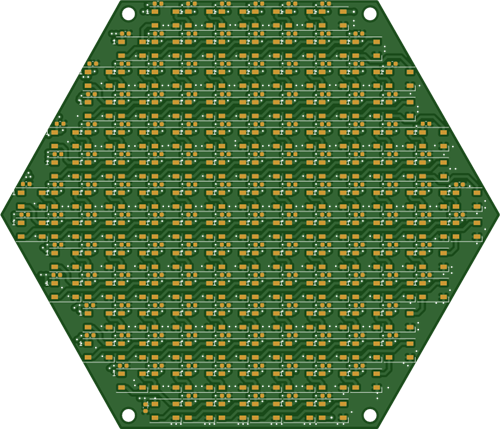 Hexagonal Panel with WS2812B LEDs
Hi makers!I created a hexagonal PCB with many WS2812B LEDs, 144 in total, for which I thought of pla...
Hexagonal Panel with WS2812B LEDs
Hi makers!I created a hexagonal PCB with many WS2812B LEDs, 144 in total, for which I thought of pla...
-
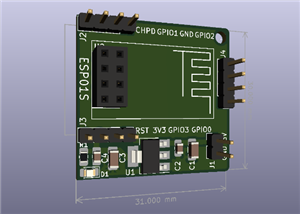 ESP01S Minimal Board
Hi makers!I created this small PCB for ESP01S because before I was using a DIY version and then I bo...
ESP01S Minimal Board
Hi makers!I created this small PCB for ESP01S because before I was using a DIY version and then I bo...
-
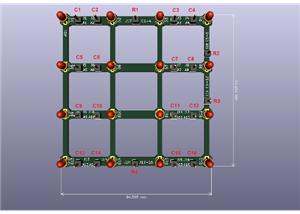 4x4x4 cube with blue LEDs
Hi makers!I know that these days there are many variations of LEDs, for example SMDs are smaller and...
4x4x4 cube with blue LEDs
Hi makers!I know that these days there are many variations of LEDs, for example SMDs are smaller and...
-
 Low cost turntable 😁
Hi makers!I'm entering this competition with a small project that I've wanted to make for some time,...
Low cost turntable 😁
Hi makers!I'm entering this competition with a small project that I've wanted to make for some time,...
-
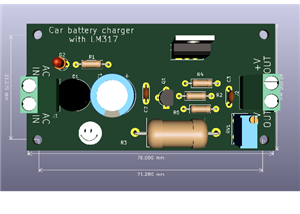 A DIY charger for 12V battery
Hello everyone!I present to you a project that really didn't reach its final state, until recently. ...
A DIY charger for 12V battery
Hello everyone!I present to you a project that really didn't reach its final state, until recently. ...
-
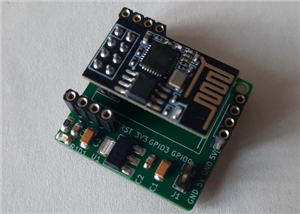 ESP01 board
Hello PCBWayers!You probably know that ESP01S/01 boards can be a little difficult to use in an easie...
ESP01 board
Hello PCBWayers!You probably know that ESP01S/01 boards can be a little difficult to use in an easie...
-
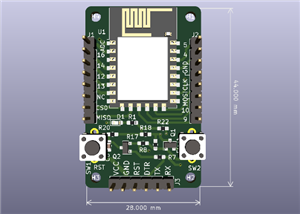 ESP12F Board
Hello makers!Some time ago I had a shopping coupon and I thought about making some simple PCBs with ...
ESP12F Board
Hello makers!Some time ago I had a shopping coupon and I thought about making some simple PCBs with ...
-
Émetteur Récepteur Optique Expérimental (communication UART ATtiny + fibre optique)
158 0 1 -
SmallOLED - Live PC Stats, Animated Clocks & Audio Visualizer
1012 0 3 -
"Talking Multimeter": Arduino-Based Speech Add-on for Multimeters with SCPI Protocol
580 0 1 -
Programmable Mist Maker - XIAO / QT PY Extension
3048 2 3 -
RadioHAT - Raspberry Pi radio development platform
2597 0 4 -
-
-



















